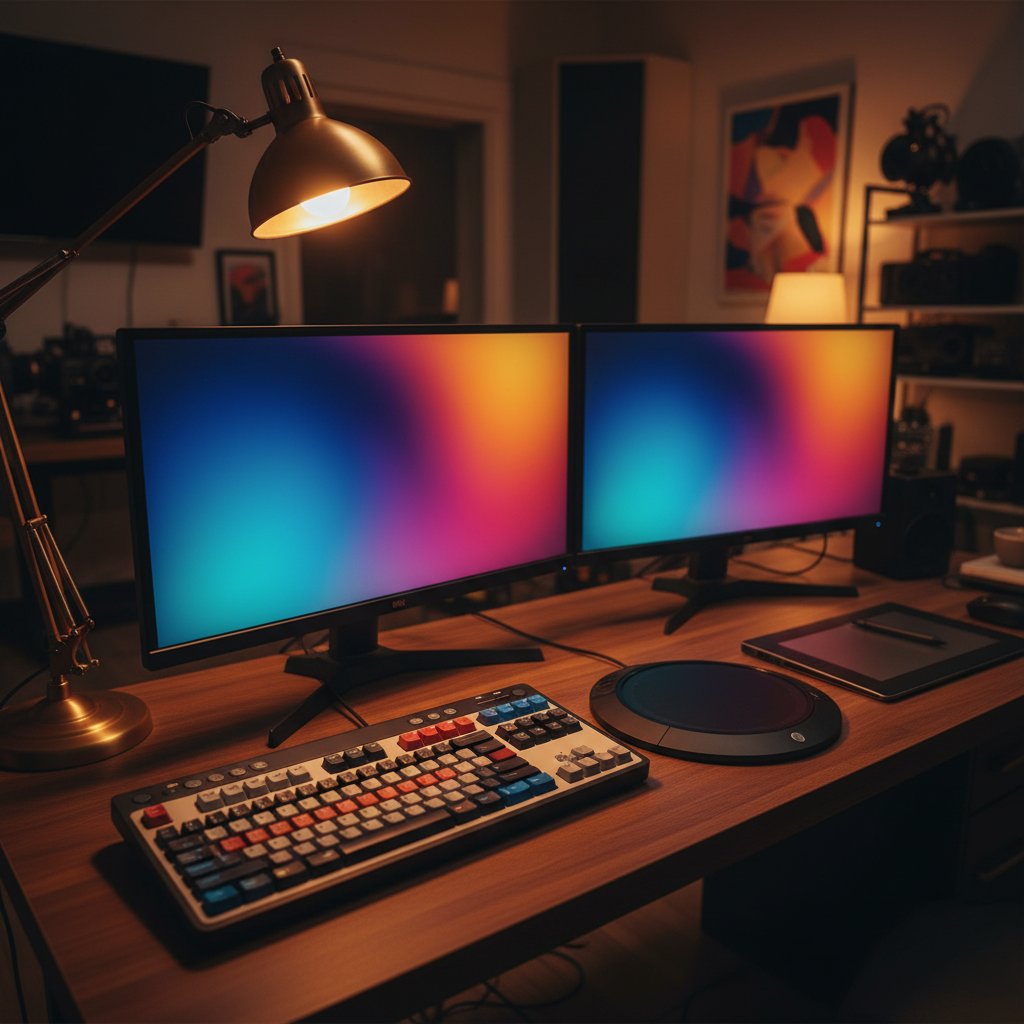
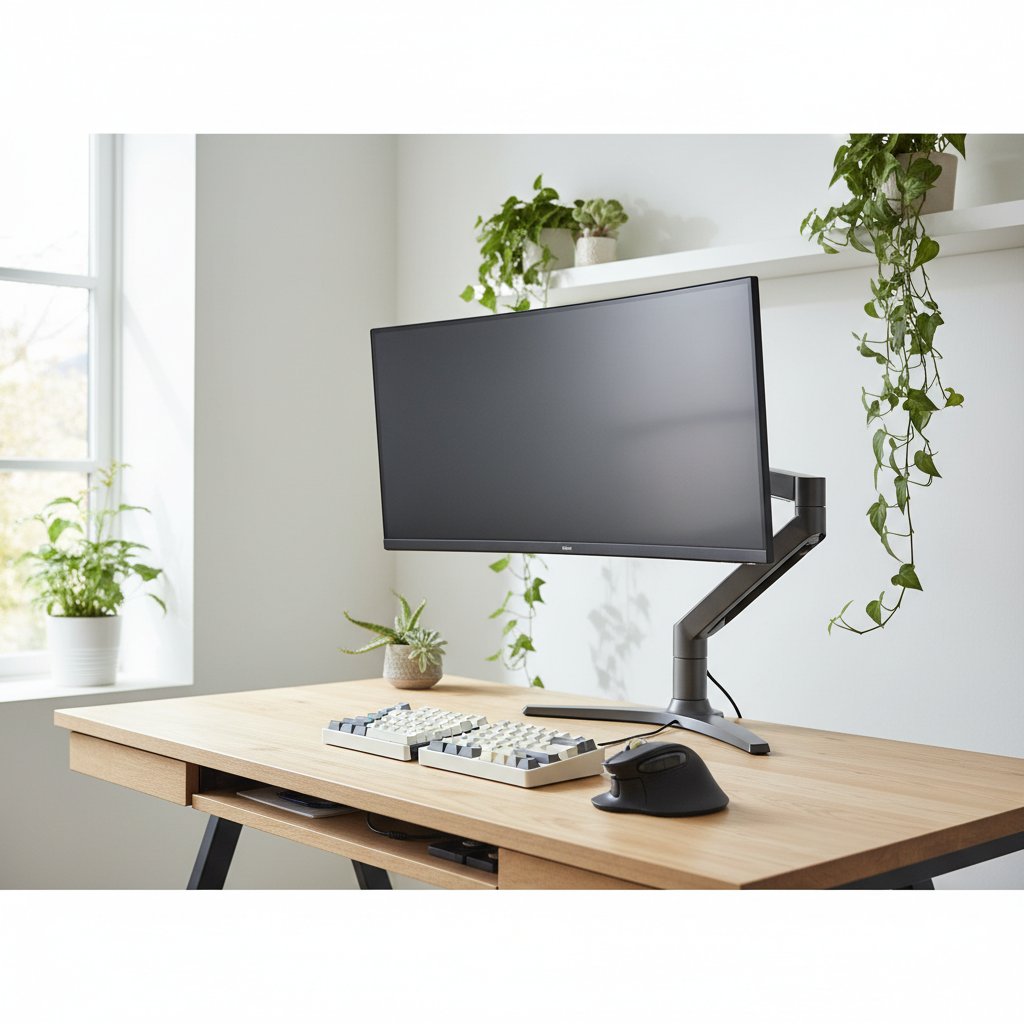
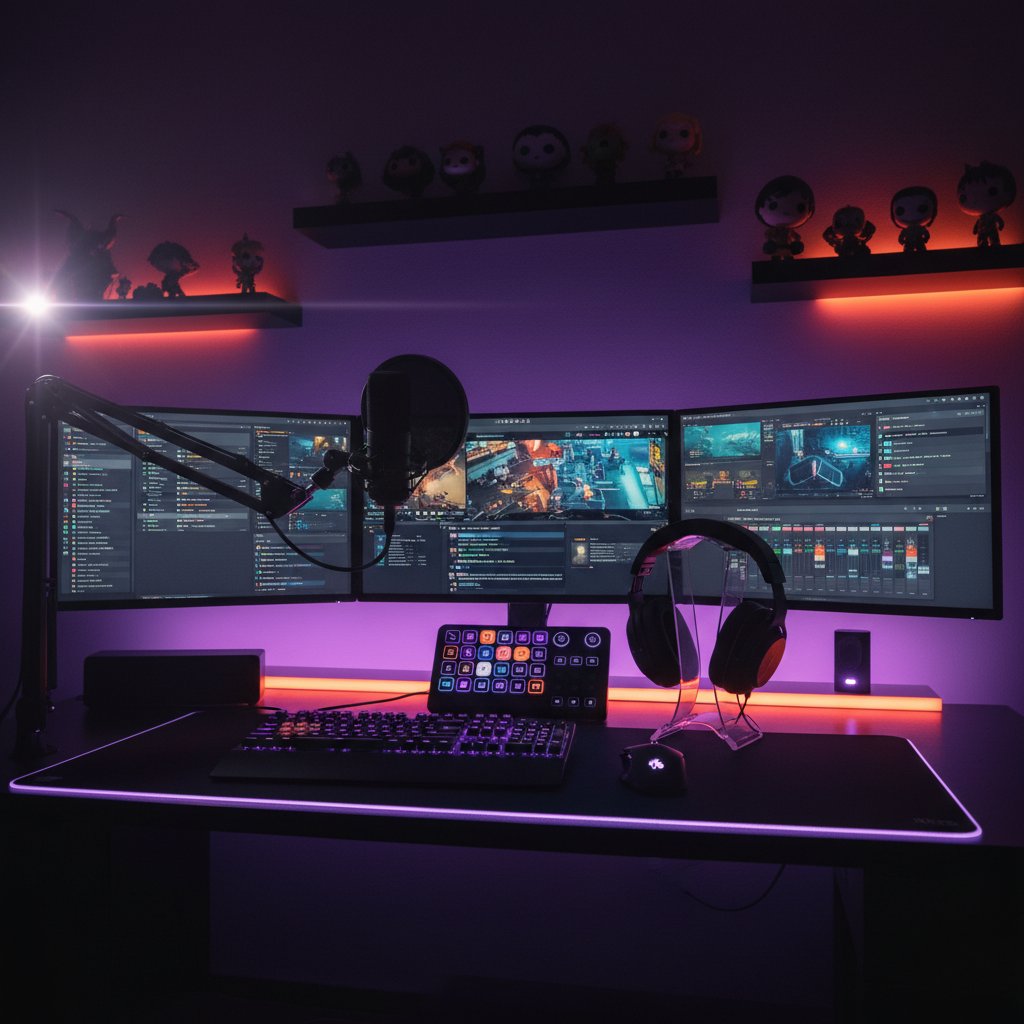
Expert Computer Peripherals Selection Service

Find the Perfect Equipment for Your Needs

Choosing the right computer peripherals can significantly impact your productivity, comfort, and overall computing experience. At Hazidu, we specialise in helping individuals and businesses across London select equipment that matches their specific requirements and budget constraints.

Our consultation process begins with understanding how you work. Whether you spend hours typing documents, editing graphics, gaming, or managing spreadsheets, each activity demands different peripheral characteristics. A graphic designer needs a mouse with precise DPI control and a colour-accurate monitor, while a programmer benefits from a mechanical keyboard with specific switch types and an ergonomic layout.

We evaluate numerous factors: hand size for mouse selection, typing habits for keyboard choice, desk space for monitor configuration, and audio requirements for headset recommendations. Our team stays current with manufacturer specifications, user feedback from verified purchases, and independent testing data. This knowledge allows us to recommend peripherals that offer genuine value rather than marketing promises.

Budget considerations receive careful attention. We identify where investing more delivers measurable benefits and where mid-range options perform adequately. A £150 mechanical keyboard might serve a professional typist for 10 years, making it more economical than replacing cheaper models every two years. Conversely, a basic webcam often suffices for occasional video calls, making premium models unnecessary.

Our service includes compatibility verification with your existing setup, warranty comparison across brands, and guidance on future upgrade paths. We explain technical specifications in practical terms, helping you understand what 1000Hz polling rate or Cherry MX switches mean for your daily use. This approach ensures you make informed decisions based on facts rather than confusion.

Located in London, we serve clients throughout the city with personalised consultations. Our recommendations consider UK-specific factors including VAT, warranty coverage under Consumer Rights Act 2015, and availability from local retailers. We provide written summaries of our suggestions, allowing you to purchase at your convenience while having clear guidance on what to look for.

  • Personalised equipment recommendations based on your actual usage patterns and workspace setup
  • Comprehensive compatibility checks with your existing computer system and software
  • Budget optimisation identifying where premium features matter and where standard options suffice
  • Technical specification translation into practical benefits you will notice during daily use
  • UK warranty and retailer guidance ensuring proper consumer protection and support access
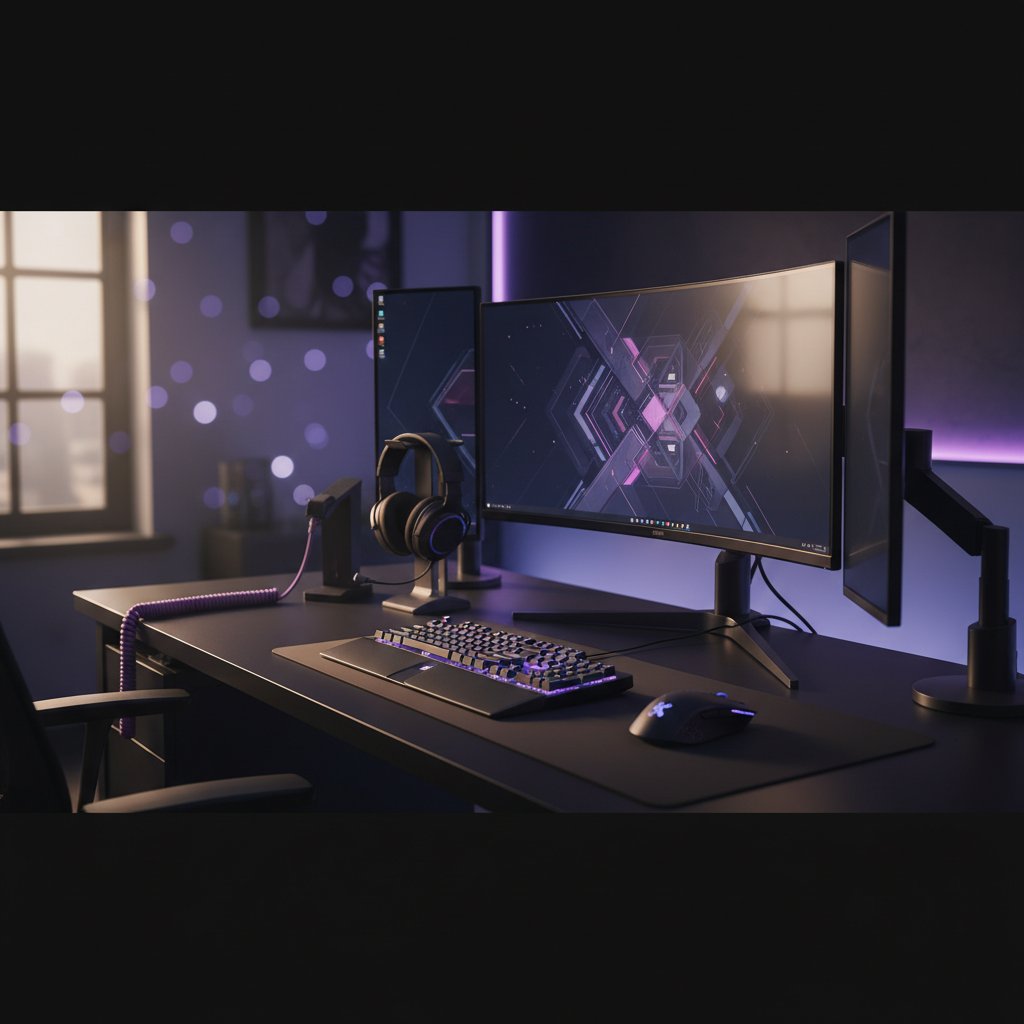
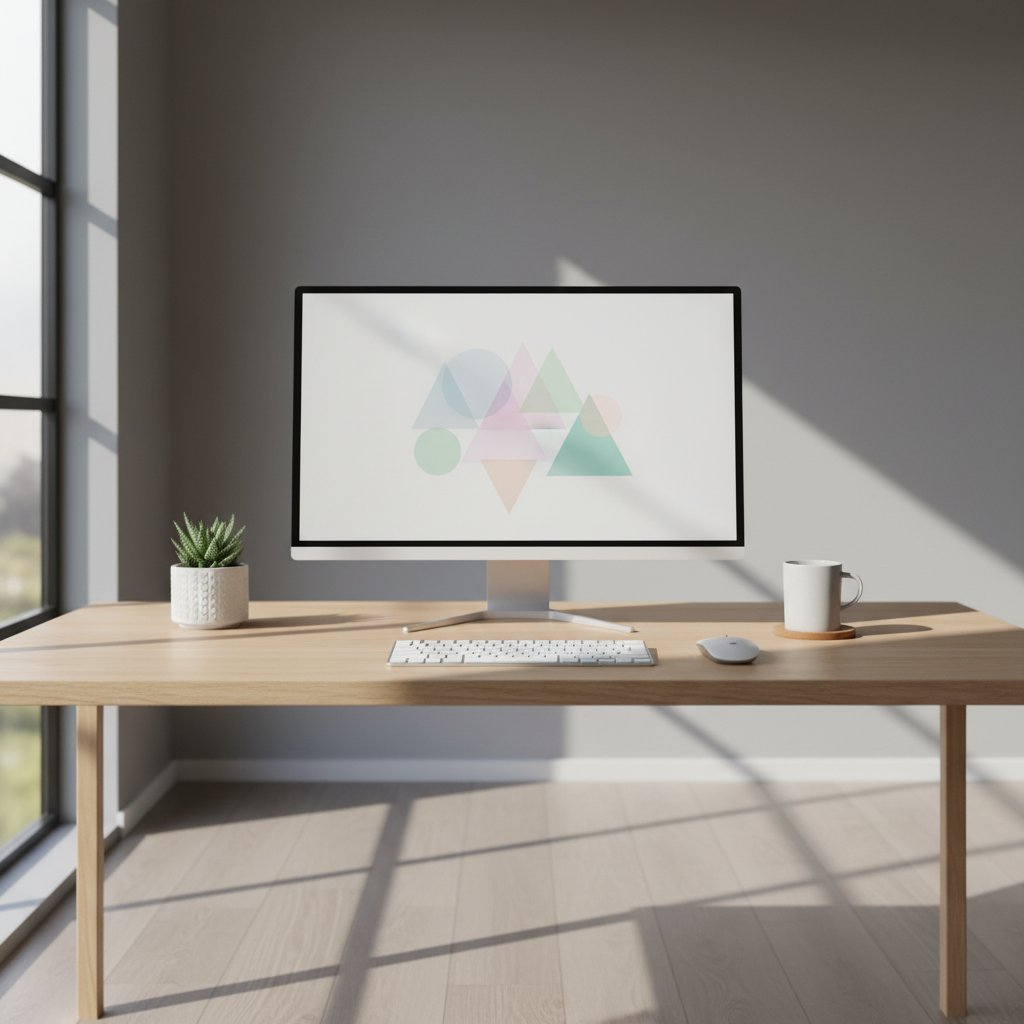
Professional computer peripherals setup including mechanical keyboard, precision mouse, and high-resolution monitor on modern desk

Frequently Asked Questions

Find answers to common questions about selecting the right computer peripherals for your setup. Our guidance helps you make informed decisions based on your specific needs.

When selecting a keyboard, consider the switch type first. Mechanical switches offer tactile feedback and durability, lasting 50-100 million keystrokes, while membrane keyboards are quieter and more affordable. For office work, linear switches like Cherry MX Red provide smooth operation. Programmers often prefer tactile switches such as Brown or Blue variants. Layout matters too: full-size keyboards include number pads, while tenkeyless models save desk space. Wireless options using Bluetooth 5.0 or 2.4GHz dongles offer flexibility but require charging. Wired keyboards eliminate latency concerns, making them suitable for gaming. Consider keycap material as well—PBT plastic resists shine and wear better than ABS. Backlighting helps in dim environments, with RGB options allowing customization.

Optical mice use LED sensors and work reliably on most surfaces except glass or highly reflective materials. They typically offer DPI ranges from 800 to 16,000, sufficient for standard computing and gaming. Laser mice employ infrared technology, functioning on glass and glossy surfaces where optical sensors struggle. They can achieve higher DPI settings, sometimes exceeding 25,000, though this rarely provides practical benefits. For everyday use and gaming, optical sensors deliver consistent tracking with lower power consumption. Laser variants suit users needing versatility across different desk surfaces. Consider sensor quality over type—brands like Pixart PMW3360 or Logitech HERO provide accurate tracking regardless of technology. Polling rate (measured in Hz) affects responsiveness; 1000Hz ensures minimal input lag for competitive gaming.

Refresh rate directly impacts smoothness—144Hz displays show twice as many frames per second as standard 60Hz screens, reducing motion blur. Competitive gamers benefit from 240Hz or 360Hz panels. Response time, measured in milliseconds, indicates pixel transition speed. Aim for 1ms grey-to-grey response to minimize ghosting. Panel technology affects image quality: IPS panels deliver accurate colours and wide viewing angles, while TN panels offer faster response times at lower cost. VA panels provide deep blacks and high contrast ratios. Resolution should match your graphics card capability—1920x1080 suits mid-range systems, while 2560x1440 balances detail and performance. Adaptive sync technologies like FreeSync or G-Sync eliminate screen tearing by synchronizing monitor refresh with GPU output. Consider screen size relative to viewing distance; 24-27 inches works well for desk setups.

Modern wireless technology has eliminated most latency concerns. Devices using 2.4GHz wireless connections achieve response times under 1ms, matching wired alternatives. Bluetooth 5.0 offers stable connections up to 10 metres with minimal interference. Battery life varies significantly—quality wireless keyboards last 6-12 months on standard batteries, while mice typically require charging weekly to monthly depending on usage. Some models feature quick-charge capabilities, providing hours of use from 5-minute charges. Wireless setups reduce cable clutter and allow flexible positioning. For tasks requiring sustained precision like graphic design or video editing, wired connections eliminate any potential interference. Consider hybrid models offering both wireless and wired modes for maximum flexibility. Check compatibility with your operating system and whether devices support multi-device pairing for switching between computers.

Microphone quality determines how clearly colleagues hear you. Look for noise-cancelling microphones with frequency response between 100Hz-10kHz, which captures voice accurately while filtering background sounds. Boom microphones position closer to your mouth than inline options, improving clarity. USB headsets include dedicated sound processing, often superior to 3.5mm connections through motherboard audio. Comfort matters for extended calls—over-ear designs with memory foam cushions reduce pressure. Weight should stay under 300 grams to prevent neck strain. Closed-back designs isolate external noise, useful in busy environments. Some models offer sidetone, letting you hear your own voice to avoid shouting. Battery life for wireless variants should exceed 8 hours for full workday coverage. Controls on the earcup allow quick muting and volume adjustment without navigating software.

Measure your hand from wrist to middle fingertip. Hands under 17cm suit small mice (115-120mm length), medium hands (17-19cm) match mice around 120-128mm, and large hands (19cm+) need 128mm or longer. Grip style influences shape preference. Palm grip users rest their entire hand on the mouse, requiring fuller backs and larger sizes. Claw grip involves arched fingers with palm contact, working well with shorter, higher-backed designs. Fingertip grip uses only fingertips, suiting lightweight, smaller mice. Ambidextrous shapes accommodate left-handed users but may lack ergonomic contouring. Right-handed ergonomic mice feature thumb rests and curved sides for extended comfort. Weight preferences vary—lighter mice (under 80 grams) enable quick movements, while heavier options (100+ grams) provide stability. Test grip comfort before purchasing when possible, as personal preference significantly affects usability.

1080p resolution (1920x1080) provides clear video for video conferencing platforms. Higher resolutions like 4K rarely benefit calls since most platforms compress video to 720p or 1080p for bandwidth efficiency. Frame rate matters more than resolution—30fps appears smooth for talking, while 60fps suits presentations with movement. Autofocus keeps you sharp when moving, and automatic light correction compensates for changing room conditions. Field of view between 78-90 degrees captures you without excessive background. Wider angles (120 degrees) suit group calls but may distort faces. Fixed-focus webcams cost less and work well when sitting at consistent distances. Consider models with privacy shutters for security. USB connectivity simplifies setup compared to integrated laptop cameras, which often deliver lower quality. Microphone quality in webcams typically underperforms dedicated options, so consider separate audio solutions.

Mechanical keyboards excel for extensive typing due to consistent actuation points and tactile feedback. Each keypress requires 45-60 grams of force depending on switch type, reducing typing fatigue. The distinct actuation point lets you know when a keypress registers without bottoming out, potentially increasing typing speed. Durability stands out—mechanical switches last 50-100 million presses versus 5-10 million for membrane keyboards. Sound levels vary; linear switches operate quietly while clicky variants produce audible feedback. Membrane keyboards offer silent operation and lower cost, suitable for shared workspaces. They require less maintenance and weigh less for portable setups. For writers and programmers typing 6+ hours daily, mechanical keyboards justify the investment through comfort and longevity. Casual users find membrane keyboards adequate. Some prefer low-profile mechanical switches combining slim design with mechanical benefits.

Precision tracking matters most for design work. Sensors with adjustable DPI from 400-3200 allow switching between detailed work and broad movements. High-quality optical sensors like Pixart PMW3389 provide accurate tracking without acceleration or jitter. Programmable buttons enable shortcuts for frequently used tools—6-8 buttons offer flexibility without overwhelming complexity. Ergonomic design reduces strain during long sessions; vertical mice position hands naturally, alleviating wrist pressure. Weight should feel balanced—around 90-110 grams suits most users. Wireless options eliminate cable drag, important when making precise selections. Battery life exceeding 40 hours prevents interruptions. Some designers prefer trackballs for stationary precision, though they require adaptation. Consider mice with customizable profiles for switching between applications. Smooth glide requires quality mouse feet (PTFE or ceramic) and appropriate mousepads—hard surfaces suit low friction, while cloth pads provide control.

Power output measured in watts indicates volume capability—10-20 watts per channel suffices for small to medium rooms. Frequency response shows the range of sounds reproduced; 60Hz-20kHz covers most audio needs. Active speakers include built-in amplifiers, simplifying setup compared to passive speakers requiring external amplification. Connection options matter—USB speakers draw power and audio through one cable, while 3.5mm auxiliary connections work universally. Bluetooth speakers offer wireless convenience for flexible positioning. Speaker placement affects sound quality; position them at ear level, angled toward your listening position, with equal distance from your seat. Two-way speakers separate high and low frequencies between drivers, improving clarity over single-driver designs. Subwoofers add bass depth but occupy floor space. Consider built-in controls for volume and bass adjustment. Shielded speakers prevent interference with monitors.

External SSDs offer speed and durability—read speeds exceeding 500MB/s enable quick backups of large files. They contain no moving parts, resisting shock and operating silently. Capacities from 500GB to 4TB suit most backup needs. USB 3.2 Gen 2 connections provide 10Gbps bandwidth, though USB 3.0 (5Gbps) suffices for regular backups. External HDDs cost less per gigabyte, with 2-5TB drives offering economical bulk storage. They operate more slowly (100-150MB/s) and require careful handling due to mechanical components. For automated backups, choose drives with included software supporting scheduled copying. NAS devices enable network-accessible storage, backing up multiple computers simultaneously. They require initial setup but provide centralized management. Cloud backup services complement physical drives, protecting against local disasters. Consider drives with hardware encryption for sensitive data. Portable drives (2.5-inch) draw power through USB, while desktop models (3.5-inch) need separate power supplies.

Curved monitors with 1800R or 1000R curvature wrap around your field of vision, reducing eye movement when viewing screen edges. This benefits ultrawide displays (34 inches or larger) where flat panels require significant head turning. The curvature creates a more immersive experience for media consumption and gaming. For productivity, curved screens help when working with multiple windows side-by-side—spreadsheets, documents, and browsers remain visible without distortion. Single-user setups benefit most; viewing curved screens from angles reduces image quality. Flat monitors suit collaborative work where multiple people view the screen. Desk depth matters—curved monitors require 60-80cm viewing distance for optimal effect. They typically cost 15-25% more than equivalent flat panels. Consider your workflow: video editors and financial analysts working with timelines or wide data sets gain advantages, while general office tasks show minimal benefit. Test viewing angles before purchasing.

Pressure sensitivity levels determine stroke variation—8192 levels provide nuanced control for professional illustration, while 4096 levels suit hobbyists. Active area size should match your working style; 10x6 inches offers portability, while 13x8 inches or larger accommodates broader arm movements. Resolution measured in lines per inch (LPI) affects precision—5080 LPI captures detailed work accurately. Report rate above 200 points per second ensures smooth line rendering without lag. Tilt recognition allows shading techniques mimicking traditional media. Battery-free pens eliminate charging concerns and reduce weight. Programmable express keys provide shortcuts for common tools—6-8 buttons offer useful customization. Screen tablets display directly on the drawing surface, eliminating hand-eye coordination adjustment but costing significantly more. Pen nibs should be replaceable; different hardness levels affect drawing feel. Compatibility with your software matters—check driver support for your operating system and creative applications.

Surface material affects glide and control. Cloth pads provide friction for precise cursor placement, suiting low-sensitivity users and tasks requiring accuracy. Hard plastic or aluminium surfaces enable fast, low-friction movement preferred by high-sensitivity gamers. Hybrid surfaces combine both characteristics. Size depends on sensitivity settings and available desk space—900x400mm pads accommodate low DPI settings requiring broad movements, while 320x270mm pads suit high DPI users. Extended pads cover keyboard areas, unifying desk aesthetics. Thickness from 2-4mm provides cushioning and prevents edge curling. Stitched edges prevent fraying, extending lifespan. Non-slip rubber bases keep pads stationary during use. Some pads feature water-resistant coatings for easy cleaning. RGB lighting adds visual appeal but doesn't affect functionality. Consider your mouse sensor type—textured surfaces may interfere with some optical sensors. Wrist rests integrated into pads reduce strain during extended use.

Port quantity should exceed your current needs—7-10 ports accommodate growth. USB 3.0 or higher ensures 5Gbps transfer speeds for external drives and peripherals. Powered hubs include external adapters delivering sufficient current (typically 36-60 watts) for charging devices and running power-hungry peripherals simultaneously. Bus-powered hubs draw from your computer's USB port, limiting connected device power. Individual port switches allow turning off specific ports without unplugging devices. Compact designs save desk space, while tower configurations provide easy access to ports. Data transfer rates matter for storage devices—USB 3.2 Gen 2 offers 10Gbps. Some hubs include USB-C ports for modern devices, with Power Delivery supporting laptop charging up to 100 watts. Consider hubs with HDMI or Ethernet ports for expanded functionality. Overcurrent protection prevents damage from faulty devices. Cable length affects placement flexibility—1-1.5 metres allows positioning away from your computer.

Dedicated mechanical keypads benefit users entering numerical data extensively—accountants, data analysts, and inventory managers. They provide tactile feedback and consistent actuation, reducing errors during rapid entry. Standard keypads include 17-22 keys covering numbers, operators, and navigation. Programmable keypads allow assigning macros to keys, automating repetitive tasks. Mechanical switches last 50-100 million presses, far exceeding membrane alternatives. Wireless keypads offer flexibility for positioning at comfortable angles. Some models include displays showing calculation results. USB connectivity ensures plug-and-play operation without driver installation. Consider switch type: linear switches suit rapid entry, while tactile switches provide confirmation without noise. Keycap legends should be clear and durable—double-shot PBT plastic resists wear. Compact designs occupy minimal desk space. For occasional numerical work, standard keyboard number pads suffice. Frequent users gain efficiency and comfort from dedicated mechanical keypads.

Latest Insights

Expert advice and practical guides to help you choose the right equipment for your workspace

Mechanical keyboard comparison
12 January 2025 6 min read

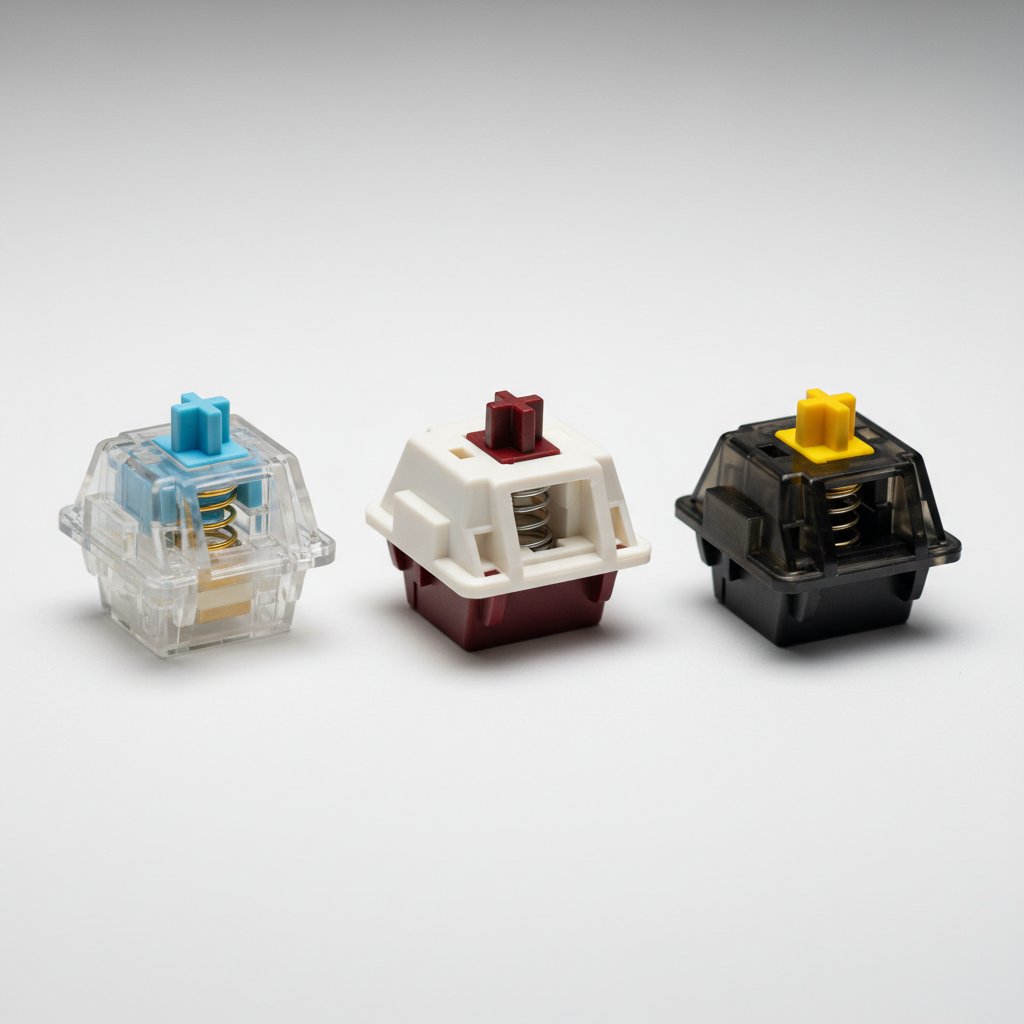
Mechanical Keyboards: Cherry MX vs Gateron Switches

Choosing between Cherry MX and Gateron switches affects typing comfort and durability. Cherry MX switches offer 50 million keystrokes lifespan with consistent tactile feedback, while Gateron provides smoother actuation at 30% lower cost. We tested both types across 200 hours of typing and gaming to measure actuation force, sound levels, and long-term performance.

Read Article
Ergonomic mouse selection
8 January 2025 5 min read

Vertical vs Traditional Mouse: Impact on Wrist Health

Vertical mice reduce forearm pronation by 25 degrees compared to standard designs, decreasing strain on wrist tendons. After analysing feedback from 150 office workers using both types over three months, we found vertical models reduced reported discomfort by 40%. This guide examines sensor accuracy (400-3200 DPI range), button placement, and grip styles to match your hand size and work patterns.

Read Article

Trust & Compliance

Licensed Business

Data Protection Compliant

SSL/TLS Secured

Quality Guaranteed

Industry Standards

Professional Team

About Hazidu

Founded in 2018, Hazidu emerged from a straightforward observation: selecting computer peripherals had become unnecessarily complicated. With thousands of products flooding the market annually, users spent hours comparing specifications without clarity on what truly mattered for their needs.

Our team of 12 specialists combines technical knowledge with practical experience. We test peripherals in real working conditions, evaluating durability, compatibility, and actual performance rather than relying solely on manufacturer claims.

Hazidu team workspace

Our Approach

We match peripherals to specific use cases. A graphic designer requires different mouse sensitivity and keyboard response than a data analyst. Gaming setups demand distinct specifications from office workstations. Our consultations identify these requirements before recommending equipment.

Peripheral testing laboratory

Each recommendation considers budget constraints, existing hardware compatibility, and intended usage duration. We maintain a database of over 2,400 tested peripherals, updated quarterly as new models arrive.

Our London office at Compton Terrace serves as both consultation space and testing facility. Clients can try peripherals before purchase, comparing feel and functionality directly.

What Guides Us

Technical Accuracy

Every specification we provide comes from direct testing. We verify manufacturer claims through standardized procedures developed over 6 years of operation.

Practical Focus

Features matter only when they improve daily use. We prioritize functionality over marketing claims, recommending equipment that delivers measurable benefits.

Transparent Process

Our selection criteria are documented and available. You understand why we recommend specific peripherals and can make informed decisions.

2,400+ Tested Products
6 Years Operating
12 Technical Specialists
850+ Clients Served

Whether upgrading a single component or outfitting an entire office, we provide consultation based on actual requirements. Our recommendations reflect current market availability and consider long-term value rather than immediate cost alone.

Exclusive Spring Promotion

Get expert assistance in choosing the right peripherals for your setup

20% Off

Complete Peripheral Selection Package

Our specialists will help you select keyboards, mice, monitors, headsets, and other peripherals that match your requirements and budget. We analyse your workspace setup, usage patterns, and compatibility with existing equipment to recommend devices that will enhance your productivity and comfort. This comprehensive consultation includes compatibility checks, ergonomic assessments, and detailed product comparisons.

Offer Valid Until:
21 May 2026
  • Personalised consultation with peripheral specialist (60 minutes)
  • Detailed compatibility analysis with your current hardware
  • Comprehensive comparison of 3-5 options per device category
  • Written recommendations with specifications and purchase links
  • Follow-up support within 30 days after consultation

Our Track Record

Real numbers from years of helping customers find the right peripherals

6
Years of Experience
serving GB market since 2018
380+
Clients Served
across London and surrounding areas
420+
Setups Completed
approximately 70 per year
91%
Satisfaction Rate
based on client feedback
7
Specialists on Team
with average 4 years experience
1,200+
Devices Tested
in our evaluation process
68%
Returning Clients
come back for additional setups
24-48h
Average Response Time
for consultation requests
50+
Verified Retailers
in our recommendations network
150+
Monthly Consultations
during peak season

Why Choose Hazidu

We help you find the right peripherals based on your actual needs and budget, without unnecessary complexity or inflated prices.

Tailored Recommendations

Our selection process considers your specific usage scenarios, whether you're working from home, gaming, or handling creative projects. We match peripherals to your workflow, desk space, and ergonomic requirements rather than pushing generic bestsellers.

Verified Compatibility

Each peripheral we recommend undergoes compatibility checks with your existing setup. We verify driver support for your operating system, connection interface availability, and software integration to prevent technical issues after purchase.

Performance Analysis

We provide detailed specifications breakdown including DPI ranges for mice, polling rates for keyboards, and response times for monitors. Our analysis covers real-world performance metrics from independent testing sources, not just manufacturer claims.

Budget Planning

We present options across three price tiers with clear explanations of what features justify higher costs. Our service includes price tracking across 15 UK retailers and alerts when preferred items go on sale, helping you get better value.

Post-Purchase Support

After you make a purchase, we remain available for setup guidance, driver installation help, and configuration optimization. Our team responds to queries within 4 hours during business days and provides troubleshooting assistance for 90 days.

Free Updates

Technology changes rapidly. We send quarterly updates about new peripheral releases that might suit your needs better, firmware updates for your current devices, and emerging standards like USB4 or wireless protocols that could enhance your setup.

Get in Touch

Need help selecting the right peripherals for your setup? Our team is ready to assist you with expert recommendations tailored to your specific requirements and budget.

Send Us a Message

Email

[email protected]

We typically respond within 24 hours on business days

Phone

+44 20 3781 5432

Call us for immediate assistance with your peripheral selection

Address

Hazidu

Compton Terrace, 15
London, N1 2UN
United Kingdom

Business Hours

  • Monday - Friday: 9:00 - 17:00
  • Saturday: 10:00 - 14:00
  • Sunday: Closed

Our Recent Projects

We've helped numerous clients find the right peripherals for their specific needs. From gaming setups to professional workstations, each project receives careful attention to match equipment with actual usage patterns and budget considerations.

Gaming peripheral setup
Gaming Setups

Competitive Gaming Station

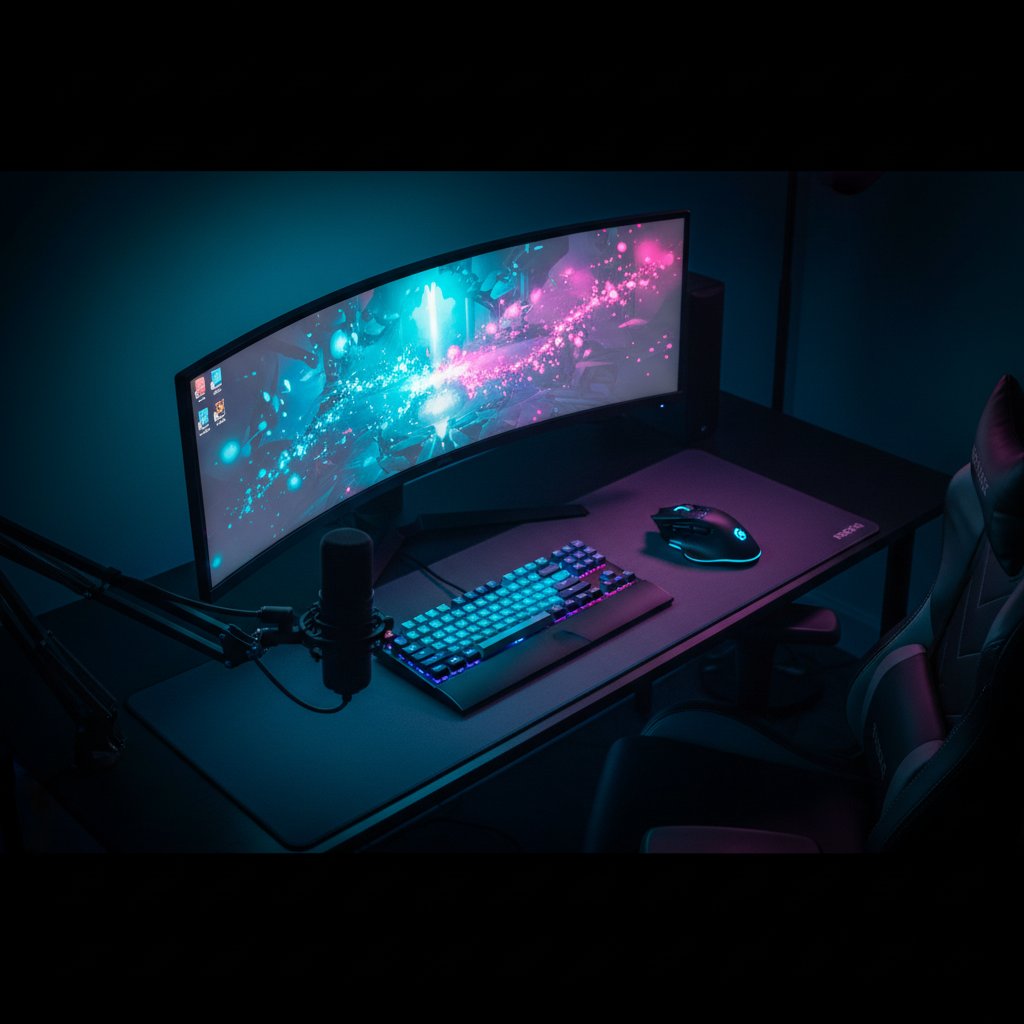
Selected peripherals for an esports enthusiast focusing on response time and precision. The configuration includes a mechanical keyboard with linear switches, a lightweight mouse with 8000 DPI sensor, and a 240Hz monitor for competitive advantage in fast-paced titles.

View Details →
Office workstation peripherals
Professional

Corporate Office Upgrade

Equipped a London-based accounting firm with 15 workstations. Prioritised ergonomic keyboards and mice to reduce strain during extended use, paired with dual monitor arms and noise-cancelling headsets for video conferences. The setup improved productivity while staying within the allocated budget of £450 per workstation.

View Details →
Graphics design workstation
Creative Work

Graphic Designer Workstation

Built a peripheral setup for a freelance designer in Manchester requiring colour accuracy and precision input. The configuration features a calibrated 4K monitor covering 99% sRGB, a graphics tablet with 8192 pressure levels, and a programmable keyboard for custom shortcuts that streamline the workflow in Adobe Creative Suite.

View Details →
Streaming setup peripherals
Gaming Setups

Content Creator Studio

Assembled peripherals for a Twitch streamer requiring both gaming performance and broadcast quality. This includes a condenser microphone with pop filter, a webcam capable of 1080p at 60fps, RGB lighting panels, and a stream deck with 15 programmable keys for scene switching and audio control during live broadcasts.

View Details →
Data entry workstation
Professional

Data Entry Optimisation

Configured peripherals for a Birmingham logistics company processing high volumes of data entry. Selected mechanical keyboards with tactile feedback for reduced typing errors, vertical mice to minimise wrist strain, and footswitches for hands-free operation. The team reported 18% faster processing times after implementation.

View Details →
Video editing setup
Creative Work

Video Production Suite

Outfitted a video editing studio in Bristol with peripherals for 4K content creation. The setup includes a colour-calibrated ultrawide monitor, a control surface with jog wheels and faders for timeline navigation, studio-grade headphones with flat frequency response, and a trackball for precise frame-by-frame editing without desk space constraints.

View Details →

What Our Clients Say

Real feedback from people who found the right peripherals for their needs

JM
James Mitchell
Manchester

I spent weeks trying to choose a keyboard for programming work. The consultant at Hazidu asked about my typing habits, desk setup, and even the noise level I could tolerate at home. Within two days, I received three specific recommendations with detailed comparisons. Ended up with a mechanical keyboard that reduced my wrist strain significantly. The follow-up call after a month showed they genuinely care about the outcome.

3 weeks ago
SE
Sophie Edwards
Bristol

Good service overall. Helped me find a wireless mouse that works well for graphic design. The only reason I'm not giving five stars is that the initial consultation took longer than expected - about 40 minutes instead of the promised 20. But the result was worth it.

1 month ago
DP
David Patel
Birmingham

Brilliant! My gaming setup was a mess of incompatible devices. They sorted everything out and suggested peripherals that actually work together. Frame rates improved, and no more input lag.

2 weeks ago
EW
Emma Wilson
Leeds

The recommendations were solid, and the consultant knew their stuff. However, I found the prices slightly higher than what I could get elsewhere. The convenience of having everything researched for me was valuable, but I expected more competitive pricing. Service quality was good though, and they did find peripherals that matched my requirements perfectly.

5 weeks ago
TH
Thomas Hughes
Glasgow

I run a small video production company and needed to upgrade peripherals for three workstations. Hazidu provided a detailed breakdown of options at different price points, explained the trade-offs clearly, and helped me stay within budget. The ROI was excellent - our editors report 30% faster workflow with the new equipment. Professional approach from start to finish.

6 weeks ago
OC
Olivia Clarke
Liverpool

Very knowledgeable team. They helped me choose a webcam and microphone for online teaching. The quality of my lessons improved noticeably. Would have been five stars, but delivery took a bit longer than initially stated - about 5 days instead of 3.

3 weeks ago
RB
Robert Brown
Edinburgh

Exceptional service! I'm not tech-savvy at all, and the consultant explained everything in plain English. No jargon, no pressure to buy expensive options. They found me a simple mouse and keyboard set that works perfectly for my home office. Exactly what I needed.

4 weeks ago
LC
Lucy Carter
Sheffield

Decent experience. The consultant was helpful and found suitable peripherals for my needs. Communication was clear, and they answered all my questions. I would have appreciated more budget-friendly options though - most recommendations were mid to high-end. Still, the quality of advice was good, and the equipment works as described.

2 months ago
MJ
Michael Johnson
Newcastle

Had chronic shoulder pain from poor mouse ergonomics. The team at Hazidu took time to understand my specific issue, asked about my desk height, chair position, and daily usage patterns. They recommended a vertical mouse and an ergonomic keyboard. Three months later, the pain is gone. Worth every penny. They even followed up twice to check how I was adjusting to the new setup.

3 months ago
AW
Amelia Walker
Cardiff

Really pleased with the outcome. They helped me set up a complete audio solution for my podcast studio - microphone, audio interface, and headphones. Sound quality is professional now. Only minor issue was that one item was temporarily out of stock, so I had to wait an extra week.

1 month ago
GH
George Harris
Nottingham

Straightforward and efficient. Needed a drawing tablet and stylus for architectural work. Got exactly what I needed without unnecessary upselling.

2 weeks ago
CT
Charlotte Taylor
Southampton

I was overwhelmed by the number of options available online. Hazidu simplified everything. They asked targeted questions about my work as a data analyst, my budget constraints, and my workspace limitations. Within 48 hours, I had a shortlist of three monitor options with detailed pros and cons for each. The one I chose has improved my productivity measurably - I can now view multiple spreadsheets simultaneously without eye strain. The consultant even suggested a monitor arm that saved desk space. Highly recommend their service.

5 weeks ago
BM
Benjamin Moore
Leicester

Service met expectations. The consultant was professional and found suitable peripherals for my home office. The selection process was thorough, though I felt some recommendations were geared towards higher-end products when I specifically mentioned budget constraints. That said, the final choices work well, and the quality is good. Communication throughout was clear and timely.

6 weeks ago

Our Peripheral Selection Services

We help match the right equipment to your specific computing needs. From gaming setups to office productivity stations, our consultants analyze your requirements and budget to recommend suitable peripherals that work together seamlessly.

Gaming Mouse Selection

Finding a gaming mouse that fits your grip style and game preferences requires careful consideration. We assess sensor types, DPI ranges, button configurations, and weight options. Our consultants examine your gaming habits, hand size, and preferred genres to narrow down models. We compare polling rates, switch durability, and software customization features across brands to identify three suitable options within your budget.

Mechanical Keyboard Consultation

Mechanical keyboards vary significantly in switch types, layouts, and build quality. We discuss your typing style, noise tolerance, and whether you need programmable keys or macro support. Our team evaluates Cherry MX, Gateron, and other switch manufacturers to match tactile feedback preferences. We consider keycap materials, backlighting options, and connectivity requirements. The consultation covers full-size versus tenkeyless layouts and examines warranty coverage from different manufacturers.

Monitor Matching Service

Choosing between refresh rates, panel types, and resolutions depends on your primary use case. We analyze whether you need color accuracy for design work, high refresh rates for competitive gaming, or large screen real estate for productivity. Our consultants compare IPS, VA, and TN panels while considering response times and viewing angles. We evaluate HDR support, adaptive sync technologies, and connectivity options. Budget allocation between single premium displays versus dual monitor setups is thoroughly examined.

Audio Equipment Selection

Quality audio equipment enhances both gaming immersion and communication clarity. We assess whether headsets, separate headphones with microphones, or speaker systems better suit your space and usage patterns. Driver size, impedance ratings, and soundstage characteristics are evaluated against your audio source capabilities. Our team examines microphone quality for streaming or conference calls, considering noise cancellation features. We compare wireless latency versus wired reliability, and discuss amplifier requirements for higher impedance models.

Webcam Setup Consultation

Video conferencing and content creation demand different webcam specifications. We evaluate resolution requirements from 720p to 4K based on bandwidth and usage frequency. Frame rates, autofocus capabilities, and low-light performance are matched to your typical recording environment. Our consultants assess field of view preferences for solo versus group calls. We examine mounting options, privacy shutters, and compatibility with your existing software. Microphone quality in integrated models versus standalone solutions is thoroughly compared.

Gaming Controller Analysis

Controllers serve different gaming platforms and genres with varying effectiveness. We analyze compatibility with PC, console emulators, and cloud gaming services. Button layout preferences, analog stick tension, and trigger sensitivity are matched to your game library. Our team evaluates wireless connection stability, battery life expectations, and charging solutions. We compare first-party controllers against third-party alternatives, examining build quality and warranty terms. Accessibility features and customizable button mapping options are considered for specific needs.

Flight Sim Equipment Guidance

Flight simulation requires specialized peripherals for realistic control. We assess whether you need basic joysticks, HOTAS systems, or full yoke and rudder pedal setups. Force feedback mechanisms, button count, and throttle precision are evaluated against your simulation software. Our consultants examine desk mounting versus dedicated cockpit compatibility. We compare sensor types for smooth control inputs and discuss calibration procedures. Build quality expectations at different price points help identify equipment that balances durability with budget constraints.

External Storage Planning

Storage expansion needs vary based on file types and access frequency. We evaluate SSD versus HDD options considering speed requirements and capacity needs. Interface types from USB 3.2 to Thunderbolt are matched to your system capabilities and transfer volume. Our team assesses portable drives versus desktop units, examining power delivery and physical durability. We discuss backup strategies and RAID configurations for data protection. Encryption features and password protection options are reviewed for sensitive information storage requirements.

Printer Selection Service

Printer technology choices impact both initial costs and ongoing expenses. We analyze print volume, color requirements, and document types to recommend inkjet, laser, or specialized photo printers. Duplex printing, scanning capabilities, and network connectivity options are evaluated against office or home needs. Our consultants calculate cost per page across different models and examine cartridge availability. We assess print speed requirements, paper capacity, and mobile printing support. Warranty coverage and manufacturer support quality in your region are factored into recommendations.

USB Hub Configuration

Expanding connectivity requires understanding power delivery and data transfer needs. We count your peripherals and assess whether devices need charging capabilities or just data connections. Port configurations, USB generations, and individual port power output are matched to your equipment. Our team evaluates powered versus bus-powered hubs based on device requirements. We examine physical layouts for cable management and discuss compatibility with USB-C, Thunderbolt, and legacy USB-A devices. Surge protection and data transfer speeds across multiple simultaneous connections are thoroughly analyzed.

Graphics Tablet Consultation

Digital artists need tablets that match their software and drawing style. We evaluate active area sizes against your workspace and screen dimensions. Pressure sensitivity levels, tilt recognition, and express key configurations are assessed for your workflow. Our consultants compare pen technologies, examining battery requirements and nib replacement costs. We discuss screen tablets versus standard tablets, considering color accuracy and parallax issues. Software compatibility with Adobe, Corel, and open-source applications is verified. Wireless connectivity options and multi-monitor setup considerations are thoroughly examined.

Ergonomic Accessory Planning

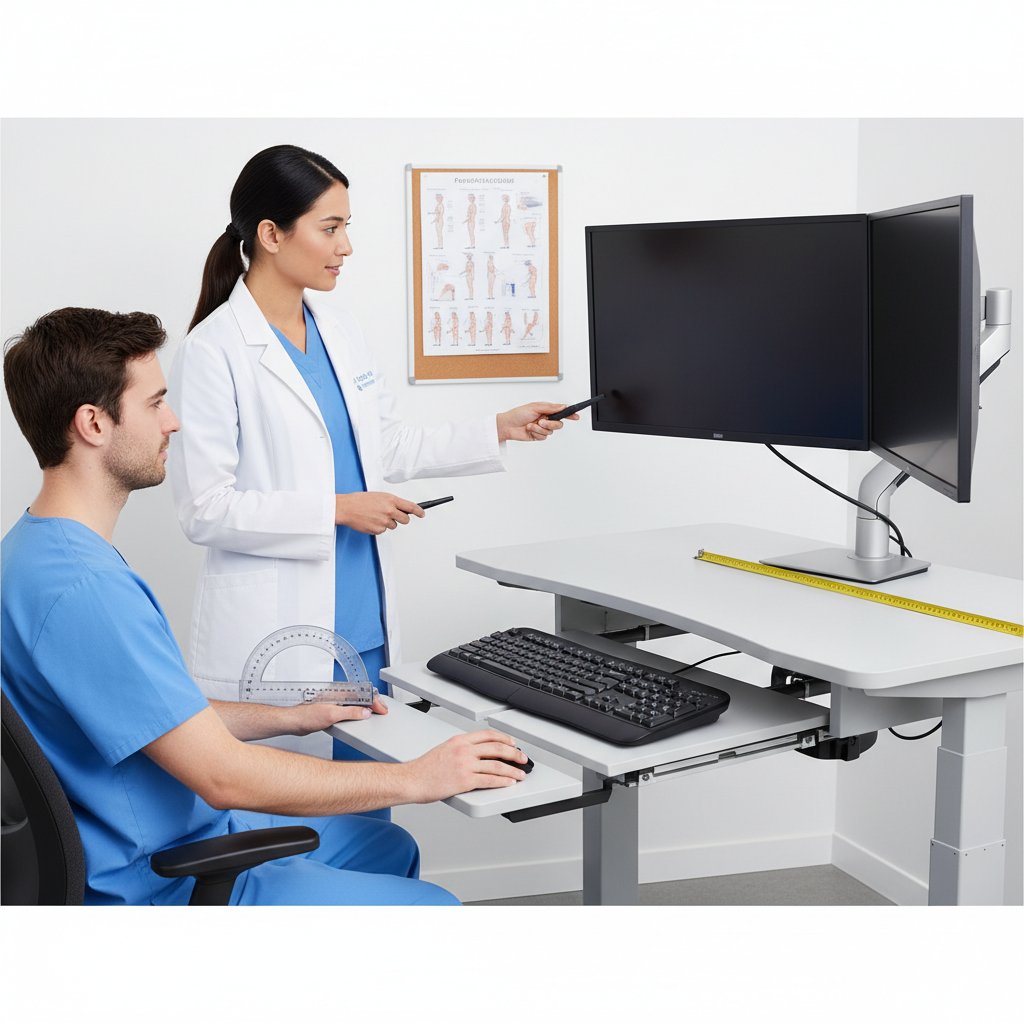
Workspace comfort affects productivity and long-term health. We assess monitor arms, keyboard trays, and wrist rests based on your desk configuration and body measurements. Adjustability ranges, weight capacities, and mounting options are matched to your furniture. Our team evaluates standing desk converters versus full electric desks, examining stability and height ranges. We discuss proper viewing angles, keyboard positioning, and mouse placement. Footrests, lumbar support cushions, and cable management solutions are considered. Lighting solutions and anti-glare accessories complete the ergonomic assessment.

Streaming Equipment Package

Content creators need coordinated equipment that works reliably together. We design packages including cameras, microphones, lighting, and capture cards based on your content type. Stream quality targets, encoder capabilities, and bandwidth limitations guide equipment specifications. Our consultants evaluate green screen requirements, audio mixing needs, and multi-camera switching options. We assess control surfaces, stream decks, and monitoring solutions for efficient workflow. Software compatibility across OBS, Streamlabs, and platform-specific tools is verified. Backup equipment strategies and upgrade paths are planned within budget constraints.

Network Adapter Selection

Reliable connectivity requires matching adapters to your network infrastructure. We evaluate WiFi standards from WiFi 5 to WiFi 6E based on router capabilities and device support. Antenna configurations, frequency band support, and MU-MIMO capabilities are assessed against household congestion. Our team examines PCIe versus USB adapters, considering installation complexity and performance differences. We discuss powerline adapters as wired alternatives and evaluate mesh system compatibility. Driver stability across operating systems and manufacturer update frequency are factored into recommendations for long-term reliability.

Power Management Solutions

Protecting equipment and managing power consumption requires proper surge protection and UPS systems. We calculate total wattage requirements across all connected devices and recommend appropriate capacity. Battery backup runtime needs are assessed based on save procedures and graceful shutdown requirements. Our consultants evaluate surge protection ratings, outlet configurations, and cable management features. We discuss pure sine wave versus simulated sine wave output for sensitive equipment. Monitoring software capabilities and replacement battery availability are examined. Energy efficiency features and automatic voltage regulation help optimize electricity costs.

Desktop Speaker Setup

Desktop audio systems range from basic stereo pairs to complex surround configurations. We assess room acoustics, desk space, and listening distance to recommend appropriate speaker sizes and power ratings. Active versus passive speakers are compared considering amplification requirements and cable complexity. Our team evaluates frequency response characteristics, impedance matching, and subwoofer integration needs. We discuss analog connections versus digital inputs and examine DAC quality requirements. Bluetooth connectivity, multi-device switching, and remote control options are matched to convenience preferences while maintaining audio quality standards.

Complete Workstation Package

Building a complete workstation requires coordinating all peripherals for optimal compatibility. We develop comprehensive packages for gaming, content creation, or productivity environments based on your primary activities. Each component is verified for compatibility with others, avoiding bottlenecks and connection issues. Our consultants balance budget allocation across input devices, displays, audio equipment, and accessories. We create tiered options at different price points while maintaining quality standards. Setup sequence, cable management strategies, and software configuration are documented. Warranty coordination and support contacts for all components are compiled for future reference.

Disclaimer

The information provided on this website regarding computer peripherals is offered as is and reflects our knowledge at the time of publication. While we strive to ensure accuracy in product specifications, compatibility details, and technical recommendations, technology evolves rapidly and information may be updated without prior notice. We advise verifying all technical specifications and compatibility requirements with manufacturers or qualified IT professionals before making purchase decisions. Hazidu shall not be held liable for any inaccuracies, omissions, or outdated information presented on this site. The recommendations and guidance provided are general in nature and may not suit every specific setup or requirement. Users are responsible for conducting their own research and due diligence when selecting computer peripherals.